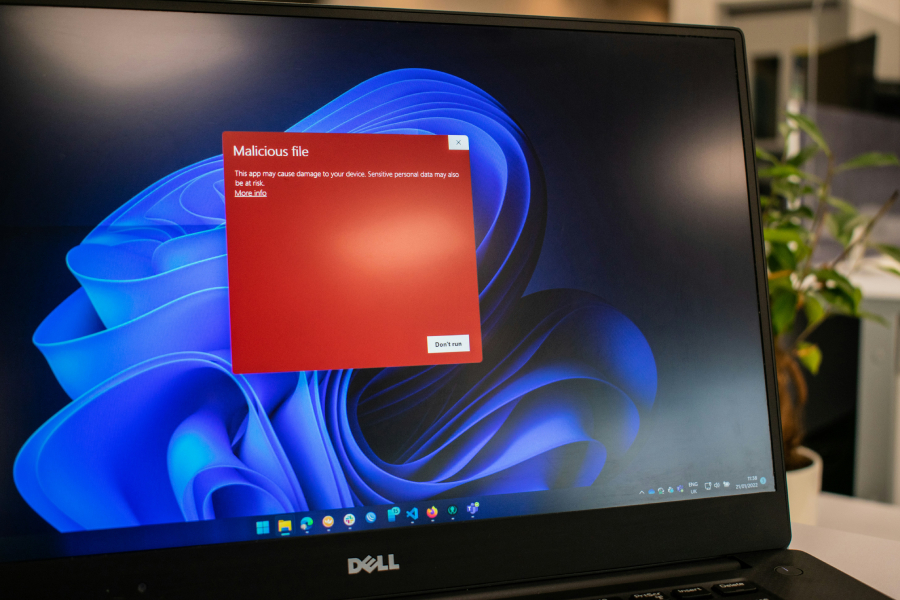
"Sysmon has long been part of Microsoft's Sysinternals toolkit, widely used by security teams to track detailed system activity and spot suspicious behavior. Until now, it had to be downloaded and installed separately. With this update, Sysmon is becoming a built-in Windows feature. "Windows now brings Sysmon functionality natively to Windows," the company wrote. "Sysmon functionality allows you to capture system events that can help with threat detection, and you can use custom configuration files to filter the events you want to monitor.""
"The company added that Sysmon data is written directly to the Windows Event Log, making it easier to use with security tools and monitoring platforms already deployed across many organizations. Disabled by default, enabled by choice Microsoft is taking a cautious approach with the new built-in Sysmon. The feature is disabled by default; users must explicitly enable it. The Windows Blog notes that Sysmon can be enabled through Windows settings or via command-line tools such as PowerShell and DISM. Once enabled, users must still initialize Sysmon before it begins logging activity."
Windows 11 Insider Preview Build 26300.7733 (KB5074178) adds native System Monitor (Sysmon) support for testers in the Beta and Dev channels. Sysmon, previously part of the Sysinternals toolkit and installed separately, now exists as a built-in Windows feature that captures detailed system events for threat detection and supports custom configuration files to filter monitored events. Sysmon event data is written directly to the Windows Event Log to facilitate use with existing security tools and monitoring platforms. The feature is disabled by default and must be enabled and initialized by users; any existing Sysmon installation must be removed first. The update also includes voice access expansion and several fixes.
Read at TechRepublic
Unable to calculate read time
Collection
[
|
...
]