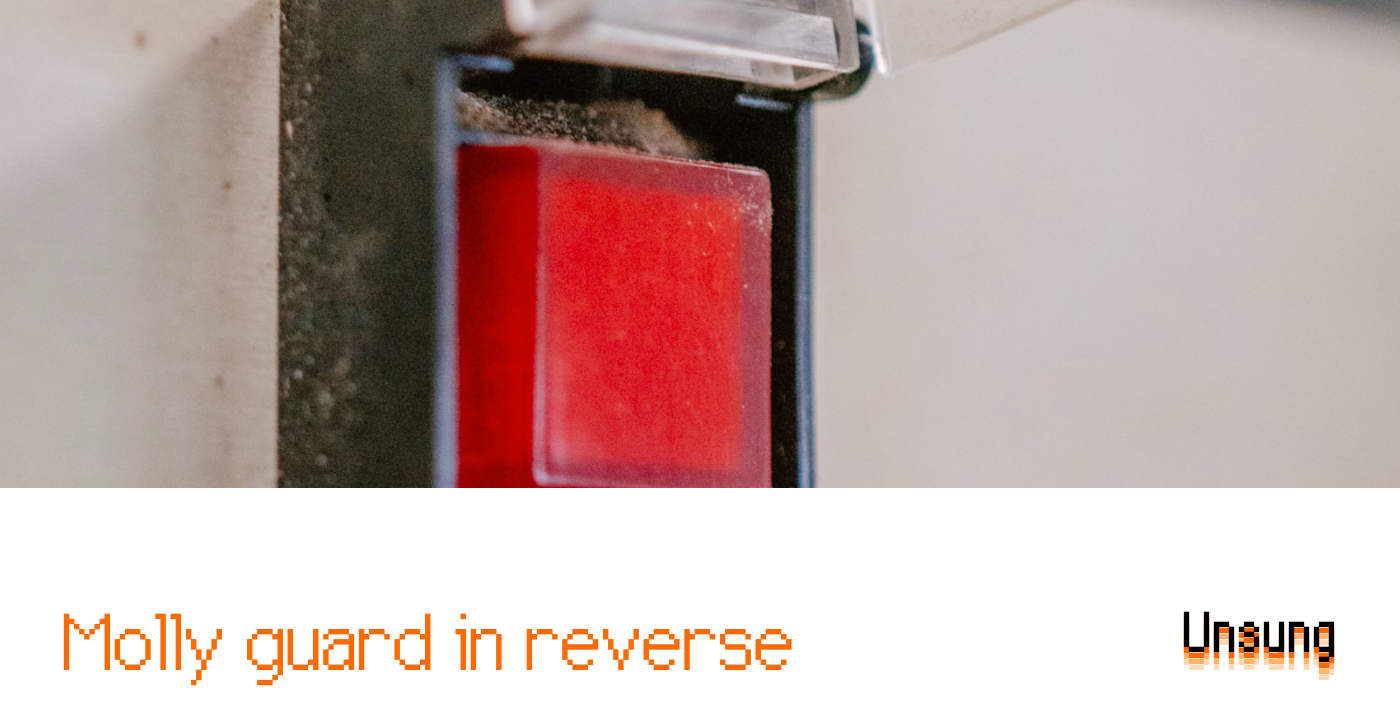
"And some vestigial forms of molly guards exist everywhere in civilian hardware, too: from recessed buttons, through plastic ridges around keys, to something like a SIM card ejection hole. Of course, molly guards happen in software, too: from the cheapest "are you sure?" dialogs (which sometimes move buttons around or disable keyboard activation to slow you down), through extra modifier keys (in Ctrl+Alt+Del, the Ctrl and Alt keys are the guards), to more elaborate interactions that introduce friction in places where it's needed:"
"These feel important to remember, particularly if your computer is about to embark on a long process to do something complex - like an OS update or a long render. There is no worse feeling than waking up, walking up to the machine that was supposed to work through the night, and seeing it did absolutely nothing, stupidly waiting for hours for a response to a question that didn't even matter."
Molly guards are physical or software safety features that introduce friction to prevent accidental activation of significant controls. Physical examples include plastic safety covers, recessed buttons, ridged keys, and SIM-card ejection holes. Software examples include confirm dialogs, rearranged or disabled buttons, and modifier-key combinations like Ctrl+Alt+Del. Reverse molly guards are controls that automatically proceed after a timeout if the user does not respond, useful for long unattended processes. Designing clear signposting and thoughtful reverse guards helps users walk away confidently, ensuring lengthy operations such as OS updates or renders complete without unnecessary interruptions.
Read at Aresluna
Unable to calculate read time
Collection
[
|
...
]