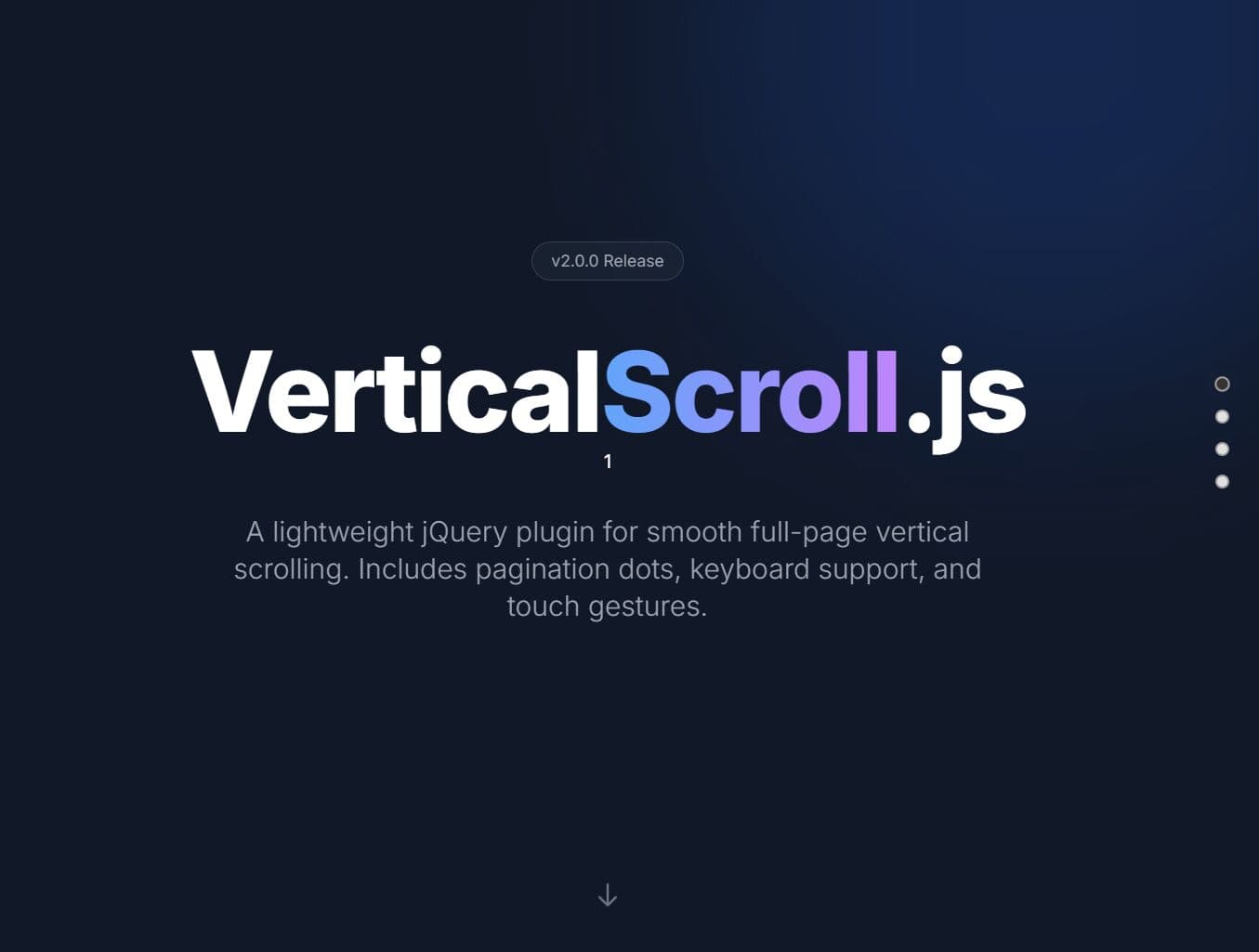
"Navigation: Navigate between pages (fullscreen sections) with mouse wheel, keyboard arrows, Page Up/Down, Home/End keys, and touch swipes on mobile devices. Pagination: Dot navigation with tooltips and customizable positioning on the left or right side. Themes: Choose from default, light, dark, or minimal themes. You can also customize using CSS variables. Accessibility: Full ARIA support, keyboard navigation, focus management, and respects prefers-reduced-motion media queries."
"Auto-Scroll Mode: Optional automatic section cycling with configurable intervals and pause-on-hover functionality. Mobile-friendly: Automatically disables below a configurable breakpoint. The container becomes normally scrollable on small screens. Highly Customizable: 25+ configuration options, 12+ methods, and 6 custom events for complete control. Promise-Based Navigation: All navigation methods return jQuery Deferred promises for async handling. How To Use It: 1. Download the jQuery Vertical Scroll plugin manually or install it with NPM."
jQuery Vertical Scroll enables full-screen section navigation for single-page applications, SaaS landing pages, and presentations. Users can navigate with mouse wheel, keyboard arrows, Page Up/Down, Home/End keys, and touch swipes. Pagination dots feature tooltips and configurable left/right positioning. Themes include default, light, dark, and minimal, with CSS variable customization. Accessibility features include ARIA support, keyboard focus management, and adherence to prefers-reduced-motion. Optional auto-scroll cycles sections with configurable intervals and hover pause. The plugin disables below a configurable mobile breakpoint and offers 25+ configuration options, 12+ methods, 6 events, and promise-based navigation.
Read at jQuery Script
Unable to calculate read time
Collection
[
|
...
]