Productivity
fromComputerworld
44 minutes ago8 ways to be more productive in Windows 11
Windows 11 offers hidden productivity features like Focus sessions to enhance work efficiency.
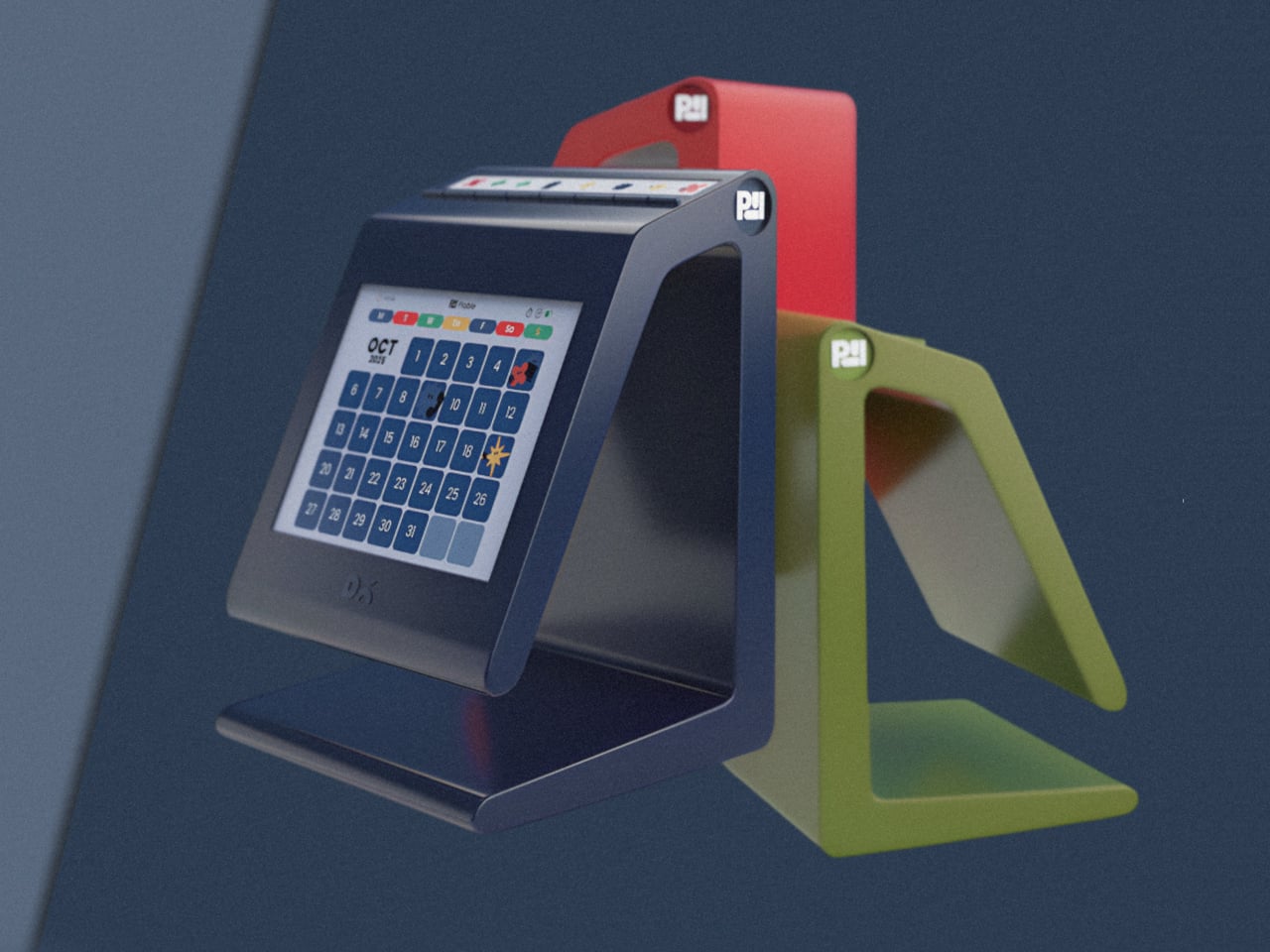
Digital wall calendars take your online calendar-think your Google Calendar, the Calendar app on your iPhone, or your corporate Microsoft calendar account-and put it on a digital screen that you can mount on the wall or prop up on a stand on a countertop or table.
What started in 2019 as a couple of utilities for things like window and shortcut management has gradually expanded to nearly 30 useful tools, including a keyboard shortcut creator, an image-to-text extractor, and a better search bar than the one that's built into Windows proper. PowerToys has become wildly popular among Windows power users, with more than 70 million downloads to date, but it's also completely free, with no ads, Office upsells, or ham-fisted Copilot integrations.
KDE Plasma is a remarkably customizable desktop environment. On top of being highly flexible, it's also fast and stable, so it would make perfect sense why you might want to migrate from Windows to a KDE Plasma-powered desktop distribution. But if you want to carry over the look and feel of Windows 11, how do you do that? With a bit of tweaking.
Wave Browser is working to reverse that equation. With a unique new partnership with 4ocean, Wave Browser connects your browsing to mitigating environmental impact: every session helps fund the removal of plastic and other waste from our ocean, rivers, and coastlines around the world. Every time you surf the web, Wave Browser contributes to 4ocean's cleanup projects that focus on waterways across the globe, from the United States to the Dominican Republic, and Indonesia.
Also in version 1.10.0, Compose Multiplatform now uses the Web Cache API to cache successful responses for static assets and string resources. This avoids the delays associated with the browser's default cache, which validates stored content through repeated HTTP requests and can be slow on low-bandwidth connections. The cache is cleared on every app launch or page refresh to ensure resources remain consistent with the application's current state. This capability is an experimental feature.
Currently, a Wayland compositor combines three primary functions into one. It must act as a display server, it must manage windows, and it must composite those windows together to be displayed on screen. The River project, which is about three years old now, splits this up. It's a display server and it's a compositor, but it doesn't do window management. Instead, it offers a documented window management protocol so that another, separate program can do the window management.
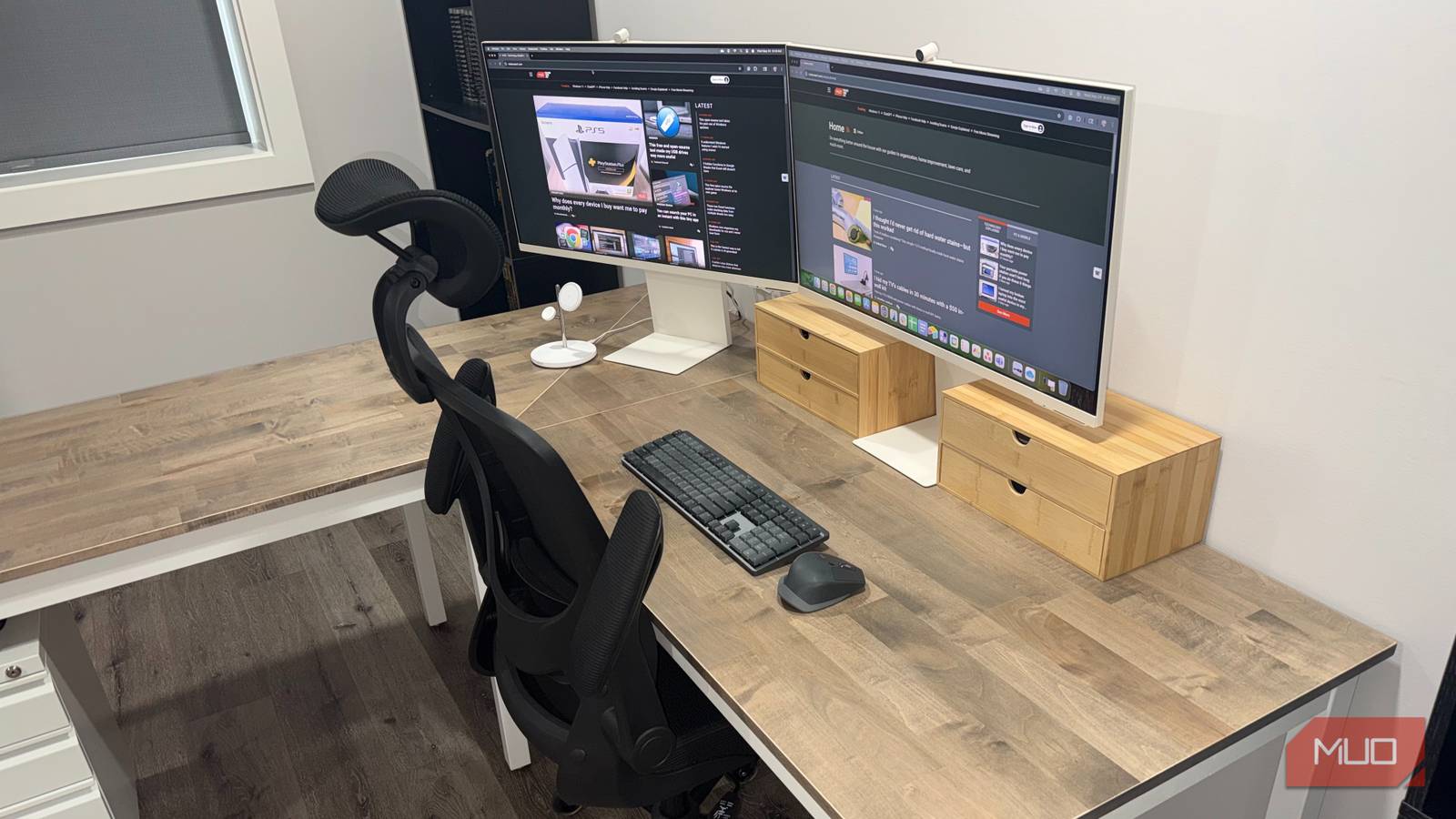
Turning a computer monitor from a landscape position to a portrait position may seem odd at first. After all, a horizontal display allows you to see more content on-screen, plus it is a more familiar experience. However, there are certain situations where flipping your screen vertically is genuinely useful. Programmers, for example, often prefer this orientation because it lets them see more lines of code without needing to scroll. Writers, like myself, appreciate this mode, as it makes reading and creating documents easier.
KDE Plasma 6.6 is upon us. Feb. 17 is the official release date, and there's plenty to be excited about. We'll be getting improvements for displays, UI, security, and more. Certain default apps are being switched out, and there'll be the usual bug fixes and performance improvements. All-in-all, 6.6 is looking to be a rather exciting release. I've written about it, and now I've tested it by using the KDE Neon Unstable edition.